I use analytical cookies on my website to see help me see what is of interest to people and how I can improve my service. Please either accept or reject the use of cookies.
If you want to take part in the LIVE workouts you will need to use ZOOM. If you only want to follow the recorded workouts you don’t need Zoom.
How much does Zoom cost?
Zoom offers FREE user accounts. You just need to sign up for an account – and the FREE account won’t bother you with adverts or the like whilst you are using it.
How do I get a Zoom account?
Click here to go to the Zoom sign up page. Sign up using your email and choose a password. There are options to sign in using your Google or Facebook account if you want.
How do I access the LIVE workouts?
If you have a Monthly Pass, you can go to the Members Area of the DCS Health and Fitness website where you will find links to the live workouts for the month.
If you have purchased a single workout, you should have received an email with the link to the workout you have chosen.
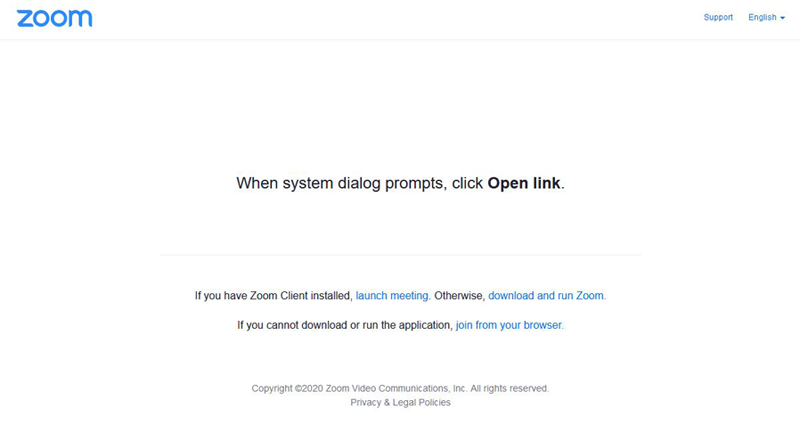
When you click on the link, you should see the following screen.
Do I have to join the workout at the precise start time?
No, it is better that you join the meeting about 5 minutes before the start. You will find yourself in a ‘Waiting Room’ – I will ‘admit’ you to the workout shortly before it starts (The Waiting Room is a security precaution to prevent uninvited people joining).
If you try to join before the workout starts, you will get a message telling you when the workout is scheduled for.
If you are late joining, I will still admit you to the meeting if we are still in the warm-up phase of the workout, but after that I may not be able to let you into the workout.
What sound and video settings do I need to use?
You’ll need to use the ‘Computer Audio’ in order to hear my instructions. Zoom will ask you if you want to join using Computer Audio – accept that.
Zoom will also ask you if you want to join using video – if you say ‘Yes’ then you will be visible to the rest of your workout class with the name you use for Zoom displayed at the bottom of your picture. If you say ‘No’ then your name will be displayed in a black box.
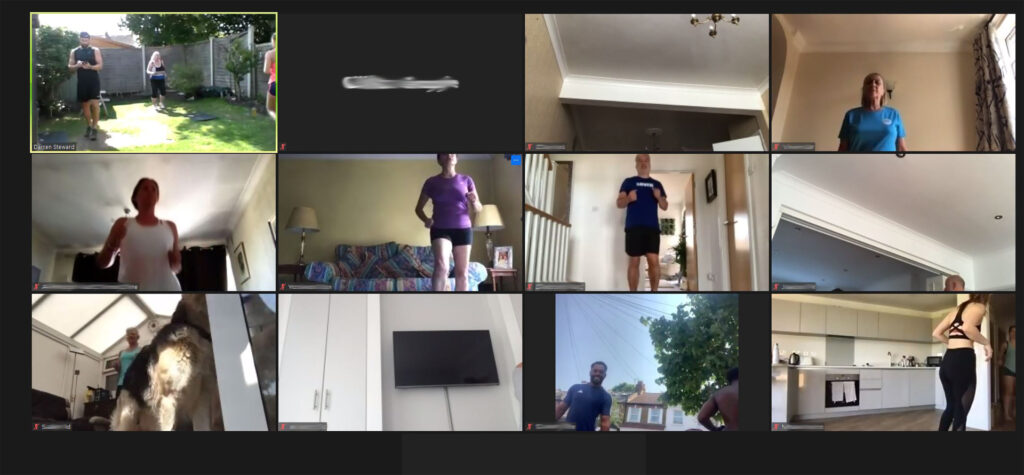
This is what a Zoom class looks like in 'Gallery' view
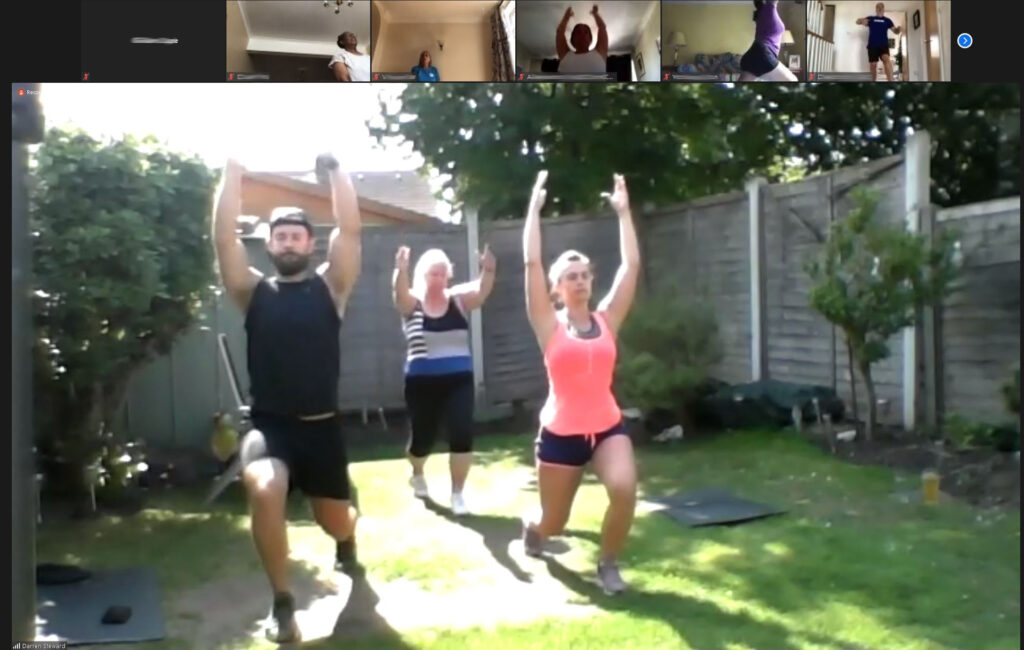
This is what a Zoom class looks like in 'Speaker' view - some devices may not show the strip across the top
Will people be able to hear me?
I automatically ‘mute’ all people joing the workout. Please keep your device muted during the workout – you are welcome to switch microphone on at the end of the workout if you want to say goodbye to your classmates.
Do I use Speaker View or Gallery View?
It’s up to you, but Speaker view is better as it will be easier to see Darren demonstrating the exercises.
Any problems?
If you’re having problems with Zoom, you can find more information here – or contact me.
This website uses analytical cookies. If you do not wish to accept them please do not use this website unless you have set your browser to reject cookies. Once you begin scrolling through a page, you will be treated as having accepted my Cookie Policy